


Your car might be tracking you without your knowledge. Modern cars come with advanced technology that collects data on your driving habits, location, and even voice recordings. This data can be used by manufacturers, insurers, and even third parties. But you can take control of your privacy. In this article, we’ll show you how to erase your car’s data and disable tracking features.

Types of Data Tracked by Your Car
Modern cars can collect a lot of data. Here’s what you need to know:
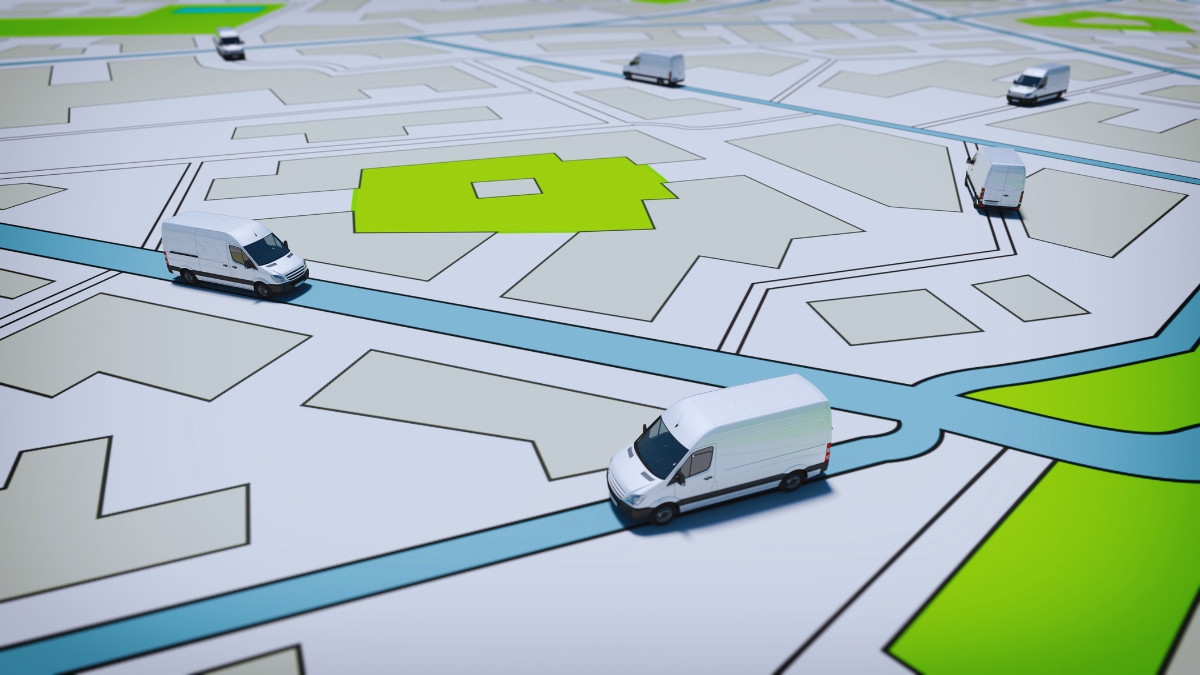
Common Data Types:
- Location Data: Your car can track where you go and how long you stay there. This can include your home, work, and other places you visit regularly.
- Driving Habits: Data on your speed, acceleration, and braking patterns. This can help insurers determine your risk level.
- Voice Recordings: Some cars record conversations inside the vehicle. This can be used for voice commands or other features.
- Vehicle Health: Information on your car’s performance and maintenance needs. This can include engine performance, tire pressure, and more.
Why It Matters:
- Privacy Concerns: You might not want your location and driving habits tracked. This data can be sensitive and personal.
- Insurance Rates: Insurers can use this data to adjust your premiums. Unsafe driving can lead to higher premiums.
- Data Sales: Some manufacturers sell this data to third parties for marketing or other purposes. This can include advertisers or other companies interested in your driving habits.
Step-by-Step Guide: Disabling Telematics and Erasing Data
Here’s how you can take control of your car’s data:
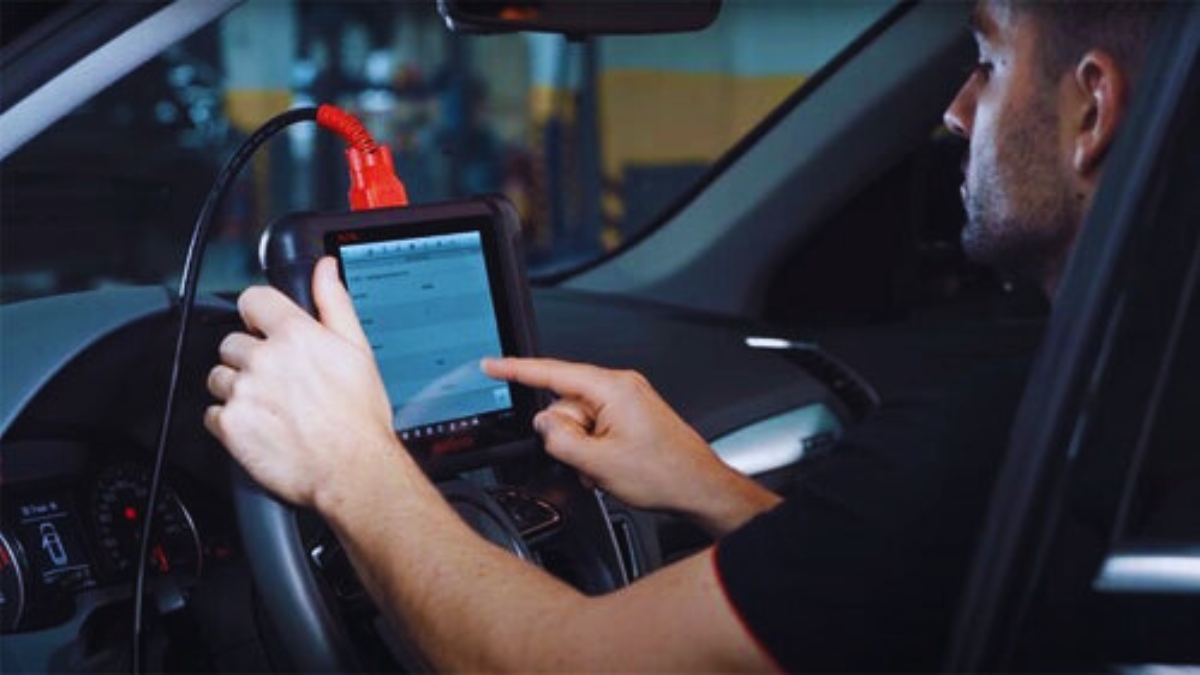
Tools You’ll Need:
- OBD-II Scanners: Devices like Autel and FIXD can access and erase your car’s data.
- Privacy Tools: Privacy4Cars and Faraday bags for key fobs can help block data transmission.
- Manufacturer Apps: Use apps like Toyota Connected Services to opt out of data collection.
How to Do It:
- Access Your Car’s Data: Use an OBD-II scanner to connect to your car’s diagnostic port. This will allow you to see what data is being collected. Follow the scanner’s instructions to connect and access the data.
- Erase Data: Follow the scanner’s instructions to erase data. Some devices can also reset your car’s settings to factory defaults. This can help remove any stored data.
- Disable Telematics: Locate the TCU (Telematics Control Unit) fuse in your car’s fuse box and remove it. This will disable the telematics system. Check your car’s manual for the exact location. Removing the fuse can prevent the system from sending data.
- Use Privacy Tools: Place your key fobs in Faraday bags to block data transmission. This can prevent your car from sending data to third parties. Faraday bags can block signals and protect your data.
Legal Rights: GDPR/CCPA Requests to Delete Car Data
You have legal rights to control your data. Here’s how to use them:
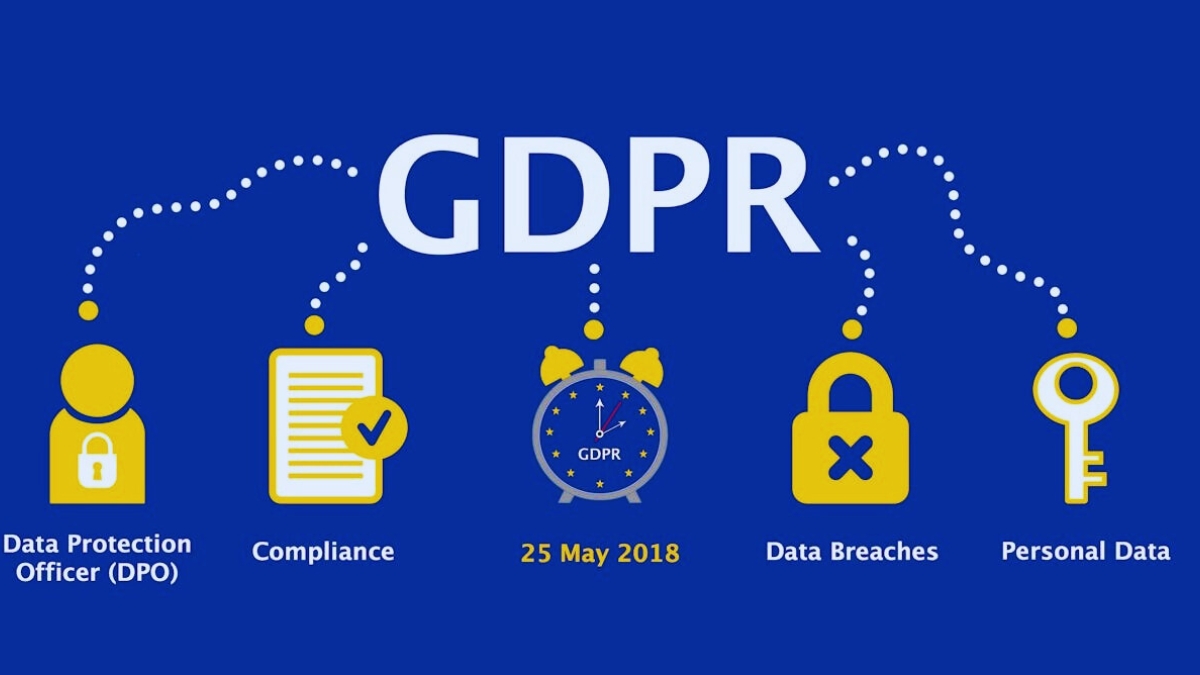
GDPR and CCPA:
- GDPR: If you’re in the EU, the GDPR gives you the right to request that companies delete your data. This includes data collected by your car.
- CCPA: In California, the CCPA provides similar protections. You can request that companies delete or stop selling your data.
How to Do It:
- Submit a Request: Use the manufacturer’s website or app to submit a data deletion request. Make sure to include all relevant information, such as your vehicle identification number (VIN) and contact details.
- Follow Up: Keep track of your request and follow up if you don’t receive a response within the required timeframe. Companies usually have 30 days to respond.
- Document Everything: Keep records of your requests and responses. This can help if you need to escalate the issue. Save emails, screenshots, and any other relevant information.
Investigative Angle: How Insurers Use Driving Data to Raise Premiums
Insurance companies can use your driving data to adjust your premiums. Here’s what you need to know:

How It Works:
- Usage-Based Insurance (UBI): Some insurers use telematics devices to track your driving habits and adjust your premiums based on this data. This can include your speed, braking, and acceleration patterns.
- Risk Assessment: Insurers use data on your driving habits to assess your risk. Unsafe driving can lead to higher premiums. For example, if you frequently speed or brake hard, your premiums might increase.
Protect Yourself:
- Opt Out: If you’re enrolled in a UBI program, you can usually opt out. Check your policy or contact your insurer for details. Many insurers allow you to opt out at any time.
- Monitor Your Habits: Be mindful of your driving habits. Safe driving can help keep your premiums down. Try to avoid speeding, hard braking, and other risky behaviors.
- Review Your Policy: Regularly review your insurance policy to understand how your data is being used. Make sure you’re aware of any changes to the policy.
Mention Lawsuits: Tesla’s Cabin Camera Controversy
Tesla’s cabin camera has been a point of controversy. Here’s what happened:
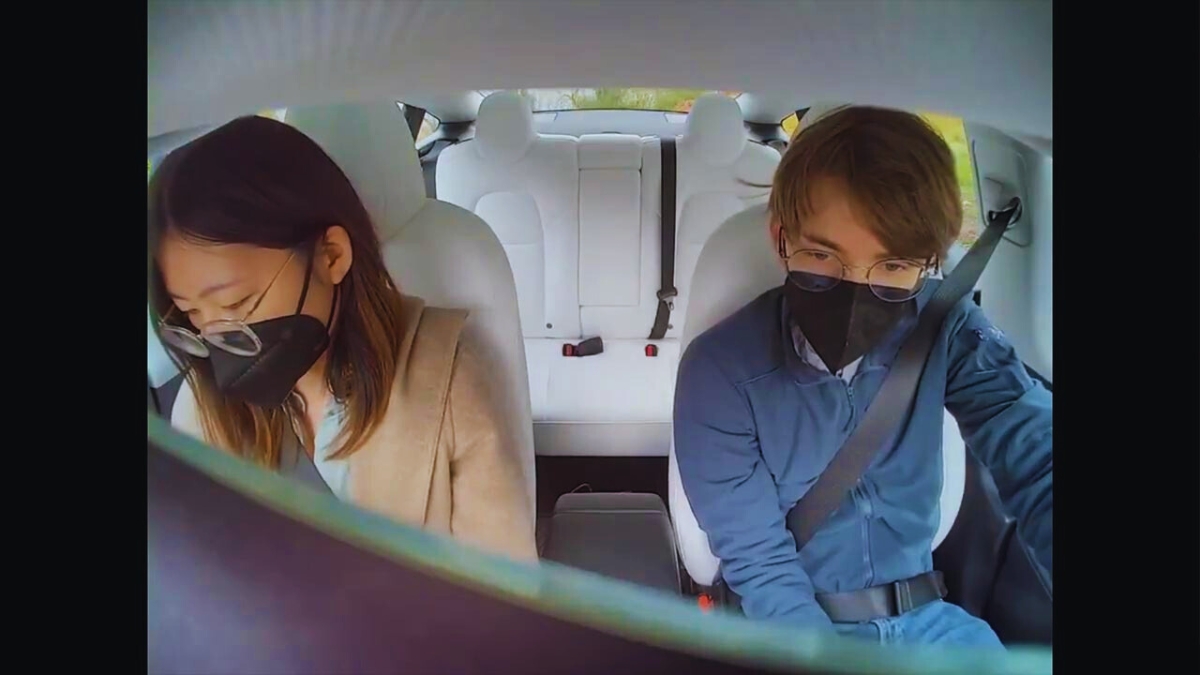
The Issue:
- Data Collection: Tesla’s cabin camera can record video inside the car. This raised concerns about privacy and data use. Some owners were unaware that their conversations and actions inside the car could be recorded.
- Lawsuits: Some Tesla owners filed lawsuits over the use of this data. They argued that Tesla did not adequately inform them about data collection and use. These lawsuits highlighted the importance of transparency and user control.
Lessons Learned:
- Transparency: Companies need to be transparent about data collection and use. They should clearly inform users about what data is being collected and how it will be used.
- User Control: Users should have control over their data and the ability to opt out of data collection. This can help protect their privacy and give them more control over their information.
- Legal Action: If you feel your rights have been violated, consider legal action. Consulting with a lawyer can help you understand your options and take appropriate steps.
DIY Alternatives: Open-Source Firmware for Data Control
If you want more control over your car’s data, consider open-source firmware:

Tools to Highlight:
- Comma.ai: An open-source platform that allows you to control and customize your car’s data collection.
- Custom Firmware: Some car enthusiasts develop custom firmware to disable or control data collection features.
How to Do It:
- Research Compatibility: Check if your car model is compatible with open-source firmware like Comma.ai. Not all cars support these platforms, so it’s important to check first.
- Install Custom Firmware: Follow the platform’s instructions to install custom firmware. This can involve downloading software and following specific installation steps. Make sure to follow the instructions carefully to avoid any issues.
- Monitor and Adjust: Regularly check your car’s settings to ensure data collection is disabled or controlled as desired. Keep an eye on any updates or changes that might affect your settings.
Data Points: Understanding the Scope of Car Data Collection
Modern cars generate a lot of data. Here’s what you need to know:
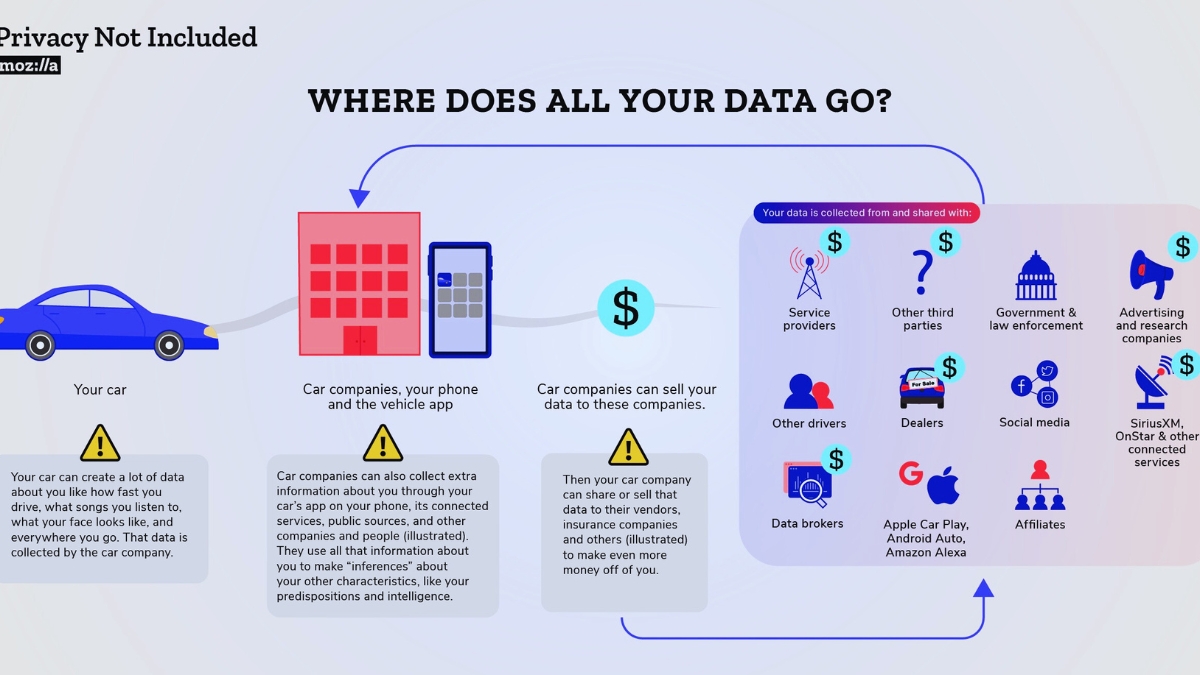
Key Data Points:
- 25 GB of Data per Hour: According to McKinsey, modern cars can generate up to 25 GB of data per hour. This includes location, driving habits, and vehicle health data. This is a lot of data, and it can be used in many ways.
- 84% of Drivers Unaware: A Mozilla study found that 84% of drivers are unaware that their car sells data. This highlights the need for better education and transparency. Many drivers don’t know that their data is being collected and sold.
What You Can Do:
- Stay Informed: Keep up with the latest news and developments in car data collection. Follow industry news sites or subscribe to newsletters. Knowledge is power, and staying informed can help you protect your privacy.
- Educate Others: Share information with friends and family to help them understand the importance of controlling their car’s data. The more people know, the more they can protect their privacy.
- Advocate for Change: Support policies and regulations that protect consumer privacy and data rights. Write to your representatives or join advocacy groups to push for better privacy protections.
Conclusion
Your car might be tracking you, but you can take control of your data. By using the right tools and understanding your legal rights, you can disable tracking features and erase data. Always be mindful of how your data is being used and take steps to protect your privacy. With the right approach, you can enjoy the benefits of modern car technology without sacrificing your privacy.
Tired of 9-5 Grind? This Program Could Be Turning Point For Your Financial FREEDOM.

This AI side hustle is specially curated for part-time hustlers and full-time entrepreneurs – you literally need PINTEREST + Canva + ChatGPT to make an extra $5K to $10K monthly with 4-6 hours of weekly work. It’s the most powerful system that’s working right now. This program comes with 3-months of 1:1 Support so there is almost 0.034% chances of failure! START YOUR JOURNEY NOW!
